
Folder Logbook for Claude
A free Claude plugin that keeps a record of your Claude chats as plain Markdown files in a folder you pick: every prompt word for word, every response, filed by project.
What it is
Claude is the AI assistant made by Anthropic. A long chat with it produces plans, decisions and finished work, but all of that stays inside the chat, where it gets hard to find a few weeks later.
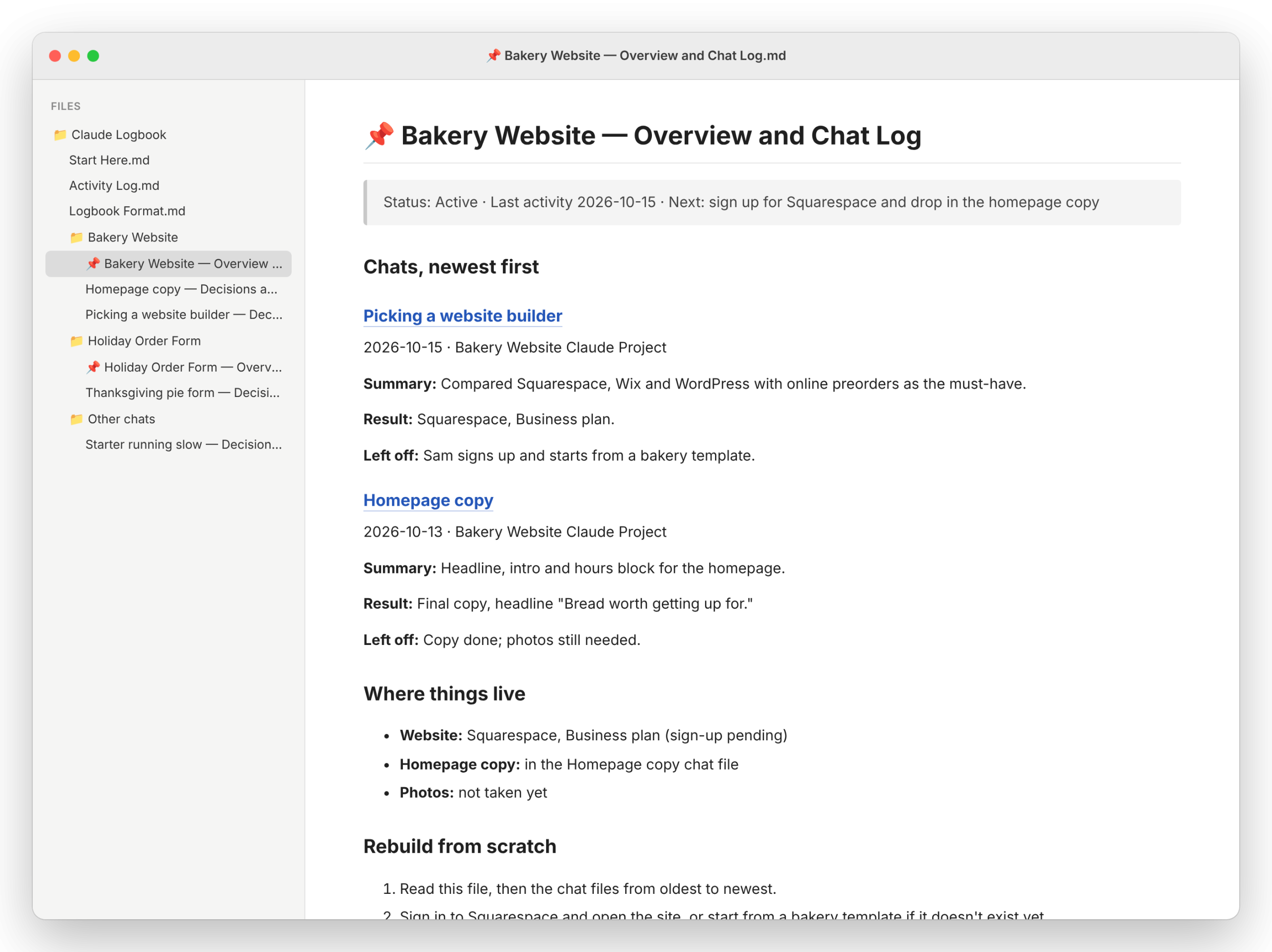
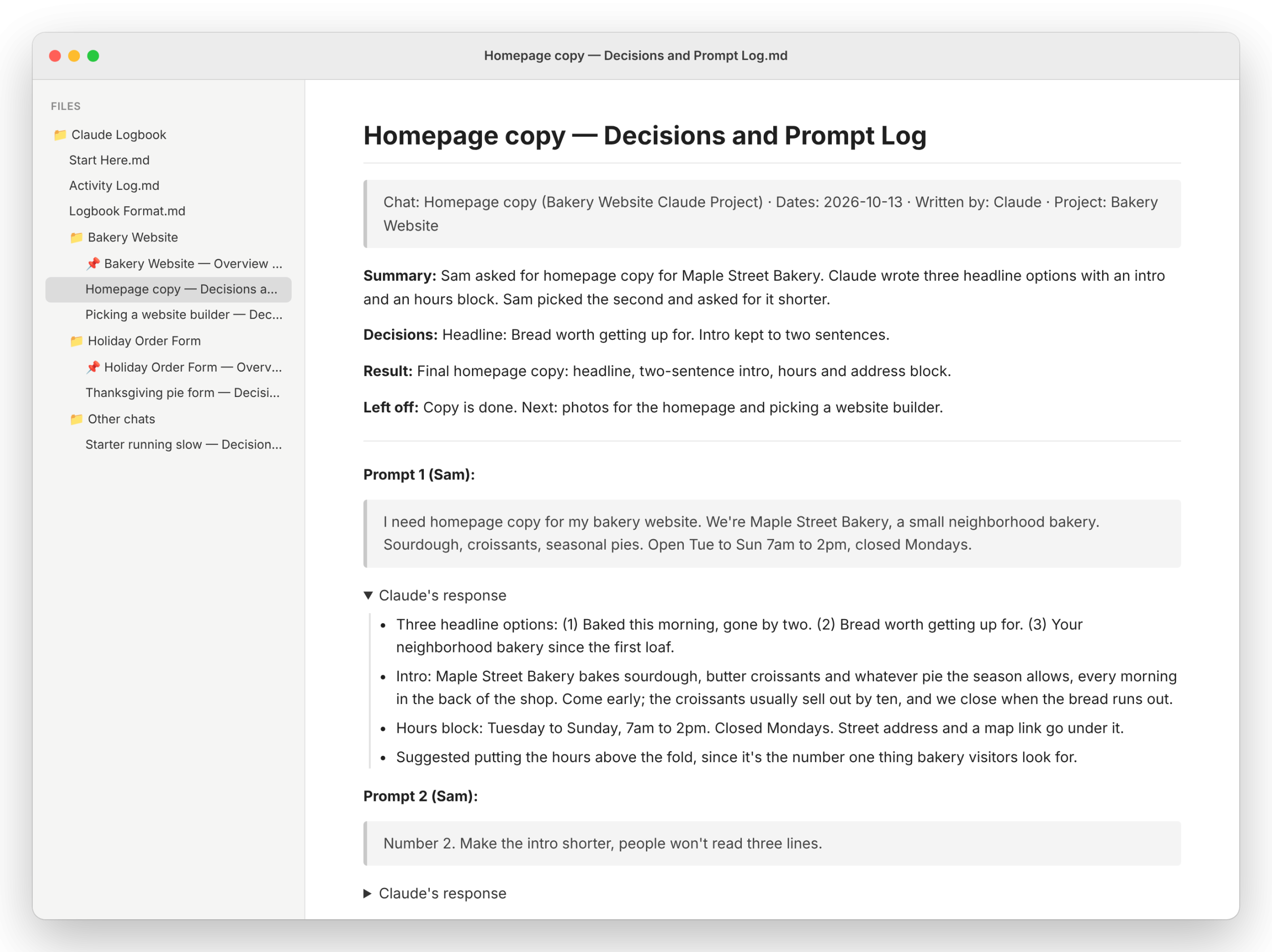
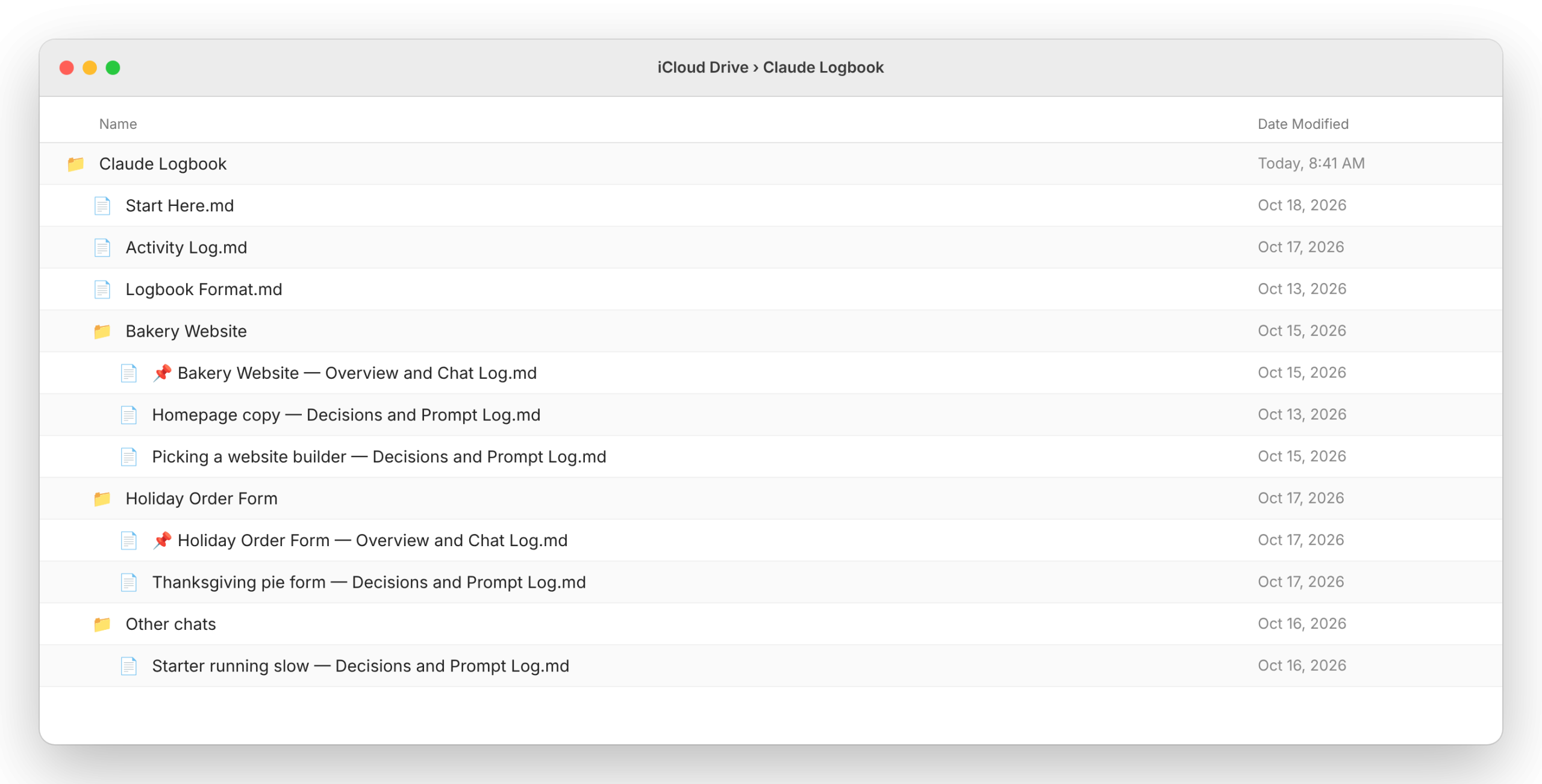
Folder Logbook for Claude writes each chat up as files in a folder on your computer: one file per chat with your prompts word for word and Claude’s complete responses, a dashboard for each project that lists its chats newest first with where each one left off, and a Start Here file that maps everything. Put the folder in OneDrive, iCloud Drive, Dropbox or Google Drive and the logbook is on your phone too.
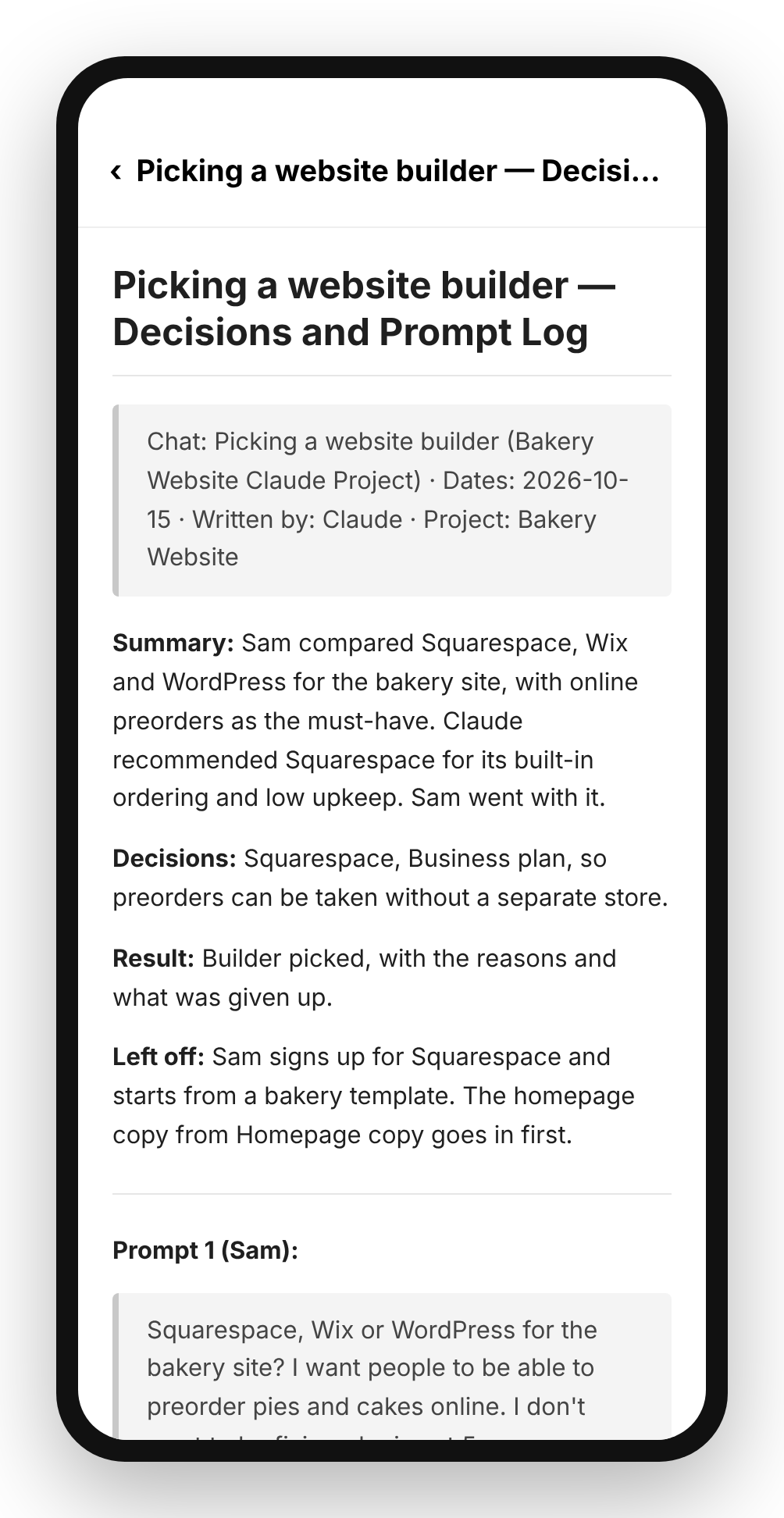
It’s plain Markdown, so it opens in any text editor, in Obsidian as a vault, or in the Files and OneDrive apps on a phone. No database, no account, no new app.
It’s the file version of Craft Logbook for Claude, for people who don’t use Craft.
What it does
- Starts a file for each chat once the chat produces something worth keeping, then adds every exchange after that.
- Keeps a 📌 dashboard for each project, so it sorts to the top of the folder.
- Keeps one Activity Log across every project, with each chat’s first prompt.
- Backfills chats from before you installed it, a few at a time.
- Writes the prompt for your next chat when you say wrap up, so the next chat starts where this one stopped.
- Never deletes anything. Files that should go are moved to a _to_delete folder for you.
Screenshots
From a demo logbook set up for a made-up bakery owner.
Install
You need a Claude Pro, Max, Team or Enterprise plan and the Claude desktop app on the computer that has the folder.
- In Claude, open Customize > Plugins > Add > Add marketplace and enter Doctype-Noob/folder-logbook-for-claude. Then add Folder Logbook for Claude from the list.
- In a new chat, connect the folder you want the logbook in (+ menu, Add folder), then say: set up my logbook. It asks three quick questions and creates the files.
- Paste the always-log line setup gives you into Settings > Profile. Without it, Claude only logs when it notices a chat is worth keeping.
Once Anthropic approves the directory listing, step 1 becomes: search for Folder Logbook for Claude in Customize > Plugins and select Add.
Details
- Price: free. MIT license.
- Source: github.com/Doctype-Noob/folder-logbook-for-claude
- Privacy: the plugin has no server, makes no network requests and collects nothing. Your chats go only to your own folder.
- Works on: the Claude desktop app and Claude Code. On a phone it can’t reach the folder and says so.
- Status: submitted to Anthropic’s plugin directory October 2026, in review.
- Published by Laronge Intellectual Property Development, LLC.
Not affiliated with or endorsed by Anthropic, Microsoft, Apple, Dropbox or Google.